Convert image to prompt to create your own AI images for free
An image to prompt generator reads any photo and writes a detailed text prompt from it. ImagePromptNow analyzes the subject, style, lighting, colors, and composition, then turns them into a ready-to-use prompt for Midjourney, Flux, Stable Diffusion, DALL·E, Leonardo, and Grok — free, no login, and unlimited.
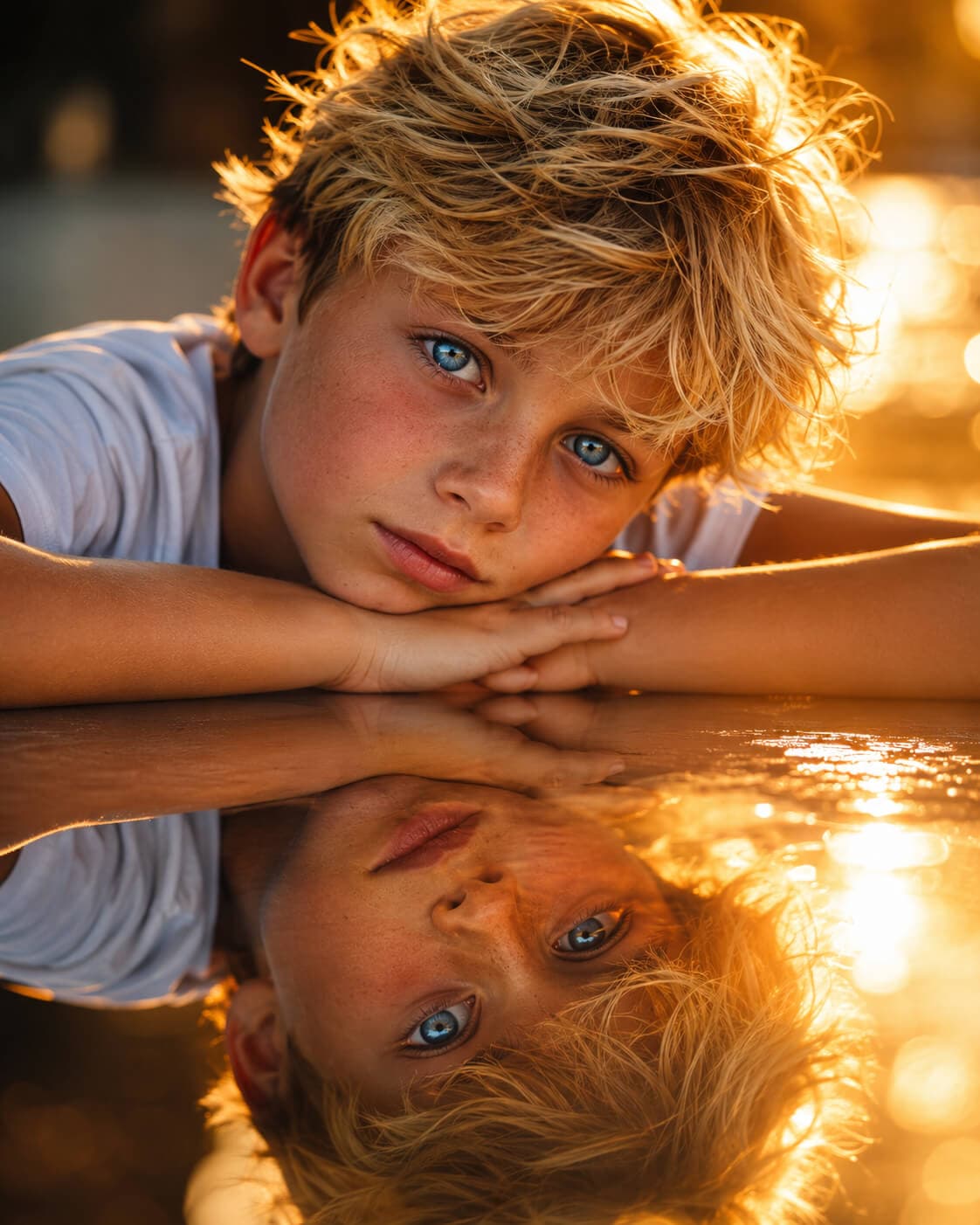
A close-up, portrait-style shot of a young boy with bright, tousled blonde hair and striking blue eyes, resting his head on his folded hands. Illuminated by strong golden hour sunlight that casts soft highlights. A clear, reflective surface beneath him mirrors his face and the surrounding light, adding depth and an ethereal quality. Background softly blurred with warm-toned bokeh. Shallow depth of field, naturalistic, emotionally evocative. Color palette dominated by warm golden tones and piercing blue eyes.
Start Faster with Image-to-Prompt AI
Turn visual references into clear, editable prompts that capture subject, scene, lighting, mood, and composition without starting from a blank page.
Let AI Create the Perfect Prompt for You
Upload a reference and get a polished prompt that describes what matters: the main subject, visible details, atmosphere, camera feel, and visual style. It saves time while keeping the result easy to edit.
Prompt
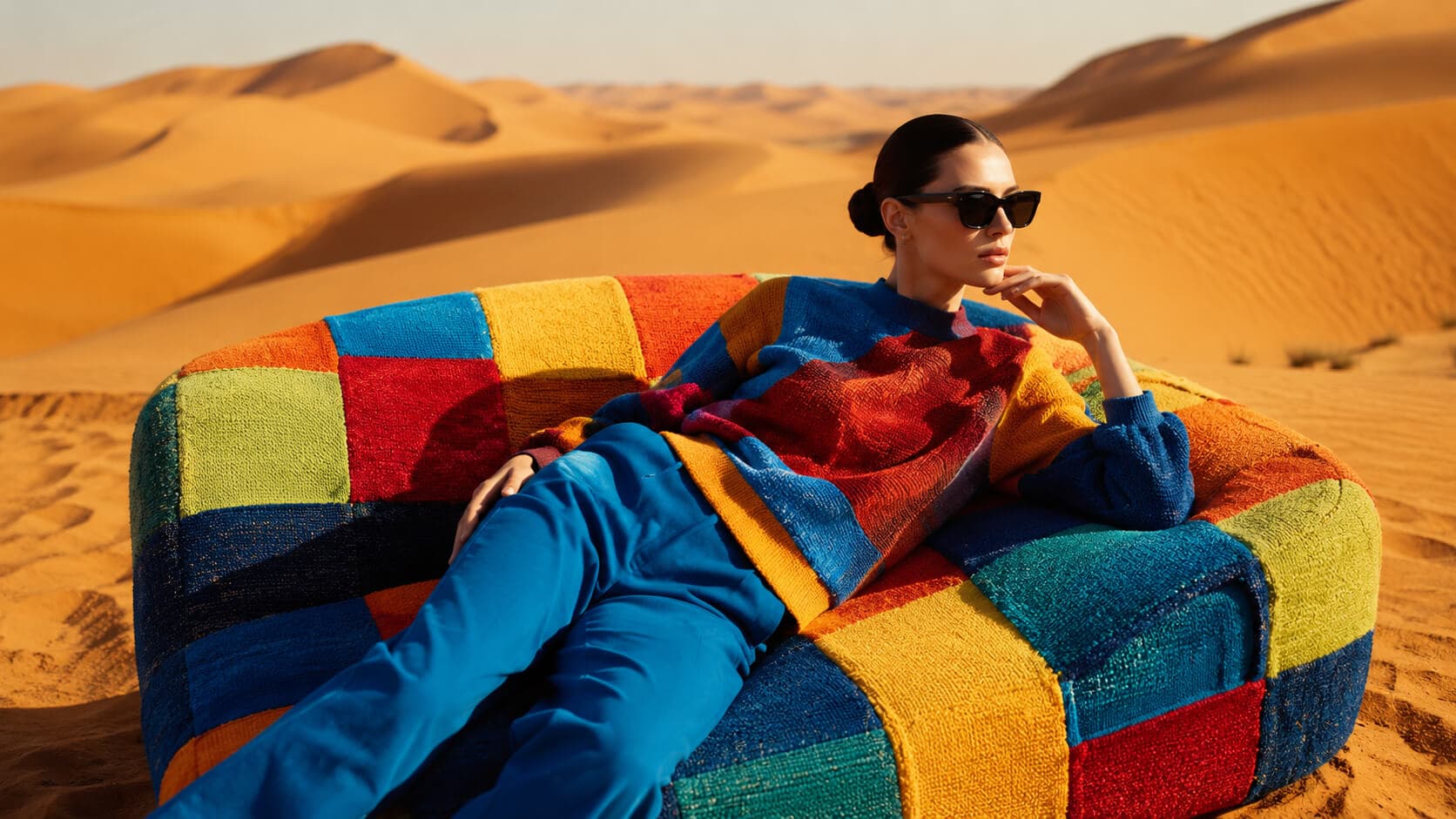
Surreal fashion editorial on a colorful couch in the desert, with a reference-style porch swing mood image, bold styling, vivid contrast, and cinematic atmosphere.
Subject
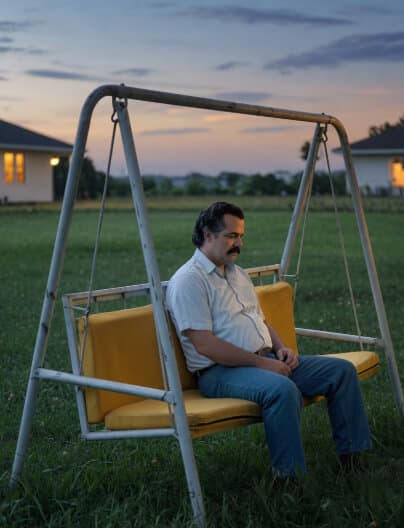
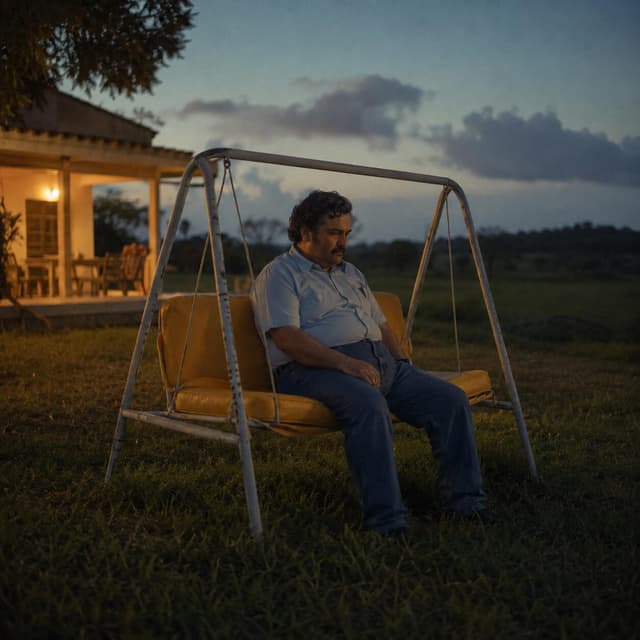
A candid photograph of a middle-aged man sitting alone on a yellow-cushioned porch swing at dusk, slouched and melancholic, golden hour fading into blue hour, 35mm lens, slightly desaturated, grainy.
Customize the Prompt Structure
Use the generated prompt as a strong base, then reshape it for Midjourney, Flux, Stable Diffusion, Leonardo, DALL-E, or a general workflow. Adjust tone, detail, language, and negative prompt options without rebuilding everything manually.
How to Use Image Prompt Generator
Turn a reference image into a ready-to-use AI prompt with a simple flow built for speed, clarity, and better visual results.
Stats
Trusted by Creators Worldwide
Built for fast, clear, and reliable image prompt generation.
Daily Image Prompts
1000+
Generated
Prompt Languages
15+
Supported
AI Formats
7
Ready
Testimonials
What Creators Say About This Tool
Realistic examples of how creators can use image prompts to speed up their AI art workflow.
Maya Collins
AI Content Creator
★★★★★
“I use it when I have a reference image but cannot explain the style properly. The prompt comes out clear enough that I only need small edits before generating.”
Daniel Brooks
Digital Artist
★★★★★
“The best part is how it catches lighting and camera details. It saves me from writing the same long prompt structure again and again.”
Sofia Ramirez
Brand Designer
★★★★★
“I tested it with product shots and moodboard images. The results feel practical, not random, and the copy button makes the workflow quick.”
Everything about image to prompt
An image to prompt generator turns a picture into a detailed text prompt you can reuse in any AI image tool. Whether you call it image to prompt, photo to prompt or picture to prompt, the idea is the same: upload a reference image and get a ready-to-use prompt in seconds — free, with no login.
What is an image to prompt generator?
An image to prompt generator (also called an AI image prompt generator) analyzes a photo and writes out what it sees — the subject, style, lighting, colors, mood and composition — as a clean, structured prompt. Instead of guessing the words, you get a prompt from the image itself, ready to paste into your favorite generator.
How to create a prompt from a photo
Creating a prompt from a photo takes three steps: upload your image (or paste an image URL), choose your style and detail level, then click Generate. In a few seconds you get a detailed prompt you can copy, edit and reuse. There is no sign-up and no limit, so you can turn as many photos into prompts as you like.
Prompts for Midjourney, Flux, Stable Diffusion and more
The tool writes prompts tuned for every major model — a Midjourney prompt from your image, or a prompt for Flux, Stable Diffusion, DALL·E, Leonardo and Grok. Each prompt captures the details that matter for that model, so you can recreate a similar image or use it as a starting point for something new.
Image to prompt, photo to prompt, picture to prompt
These all mean the same thing: converting an image into a text prompt. Some people search for “image to prompt”, others for “photo to prompt”, “picture to prompt”, “get prompt from image” or “prompt from image”. Whatever you call it, ImagePromptNow does it instantly and for free.
Just want to understand an image? Try the AI image describer to get a plain-language description of any picture.
FAQ
Common Questions About Image to Prompt Conversion
Quick answers about using image references, prompt formats, and getting better results from the generator.
An image prompt generator reads a reference picture and turns what it sees into a clear written prompt. It describes the subject, mood, lighting, camera feel, colors, background, and style so you can recreate a similar visual with AI.